About EZ Statements ZM
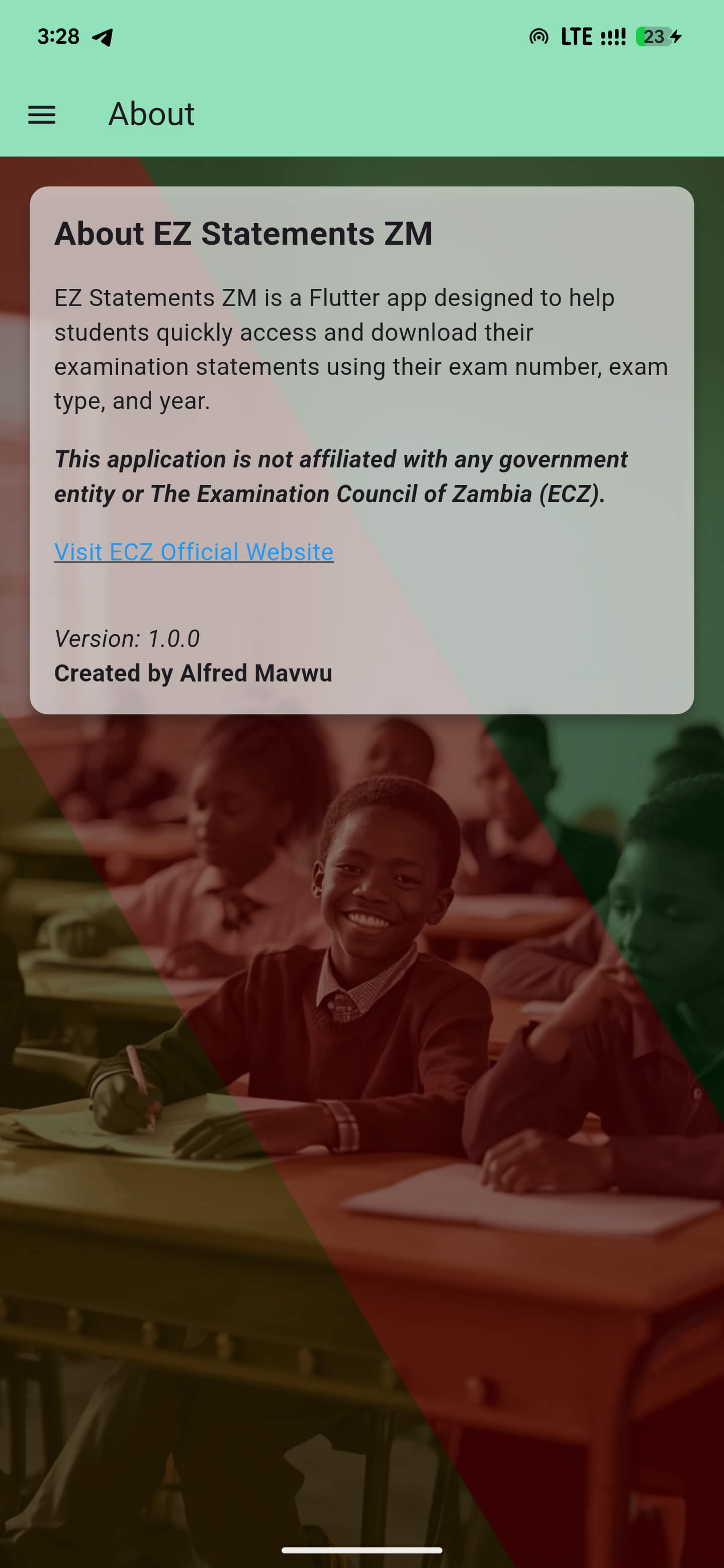
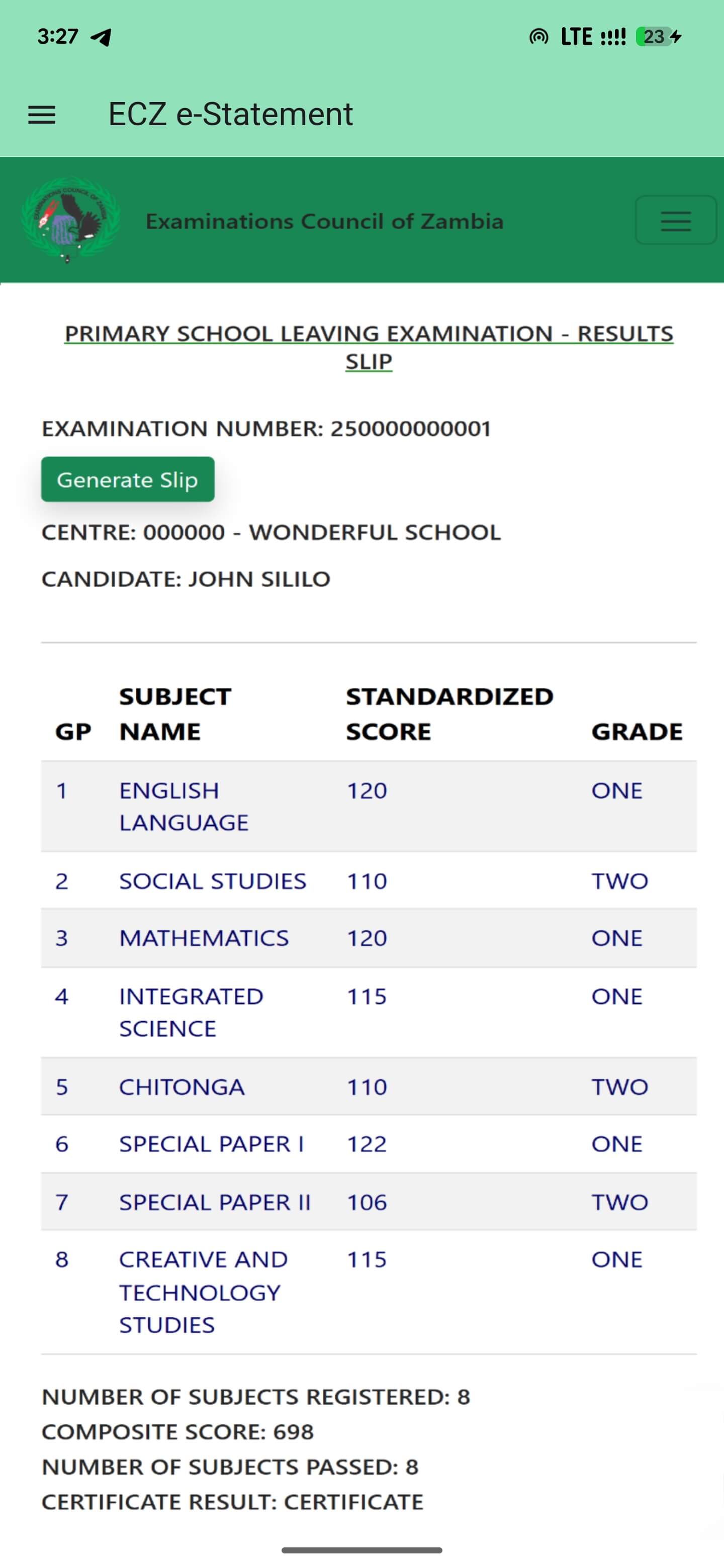
EZ Statements ZM is an easy to use Android app that helps Zambian students quickly access and download their ECZ Statement of Results
How to use EZ Statements ZM App
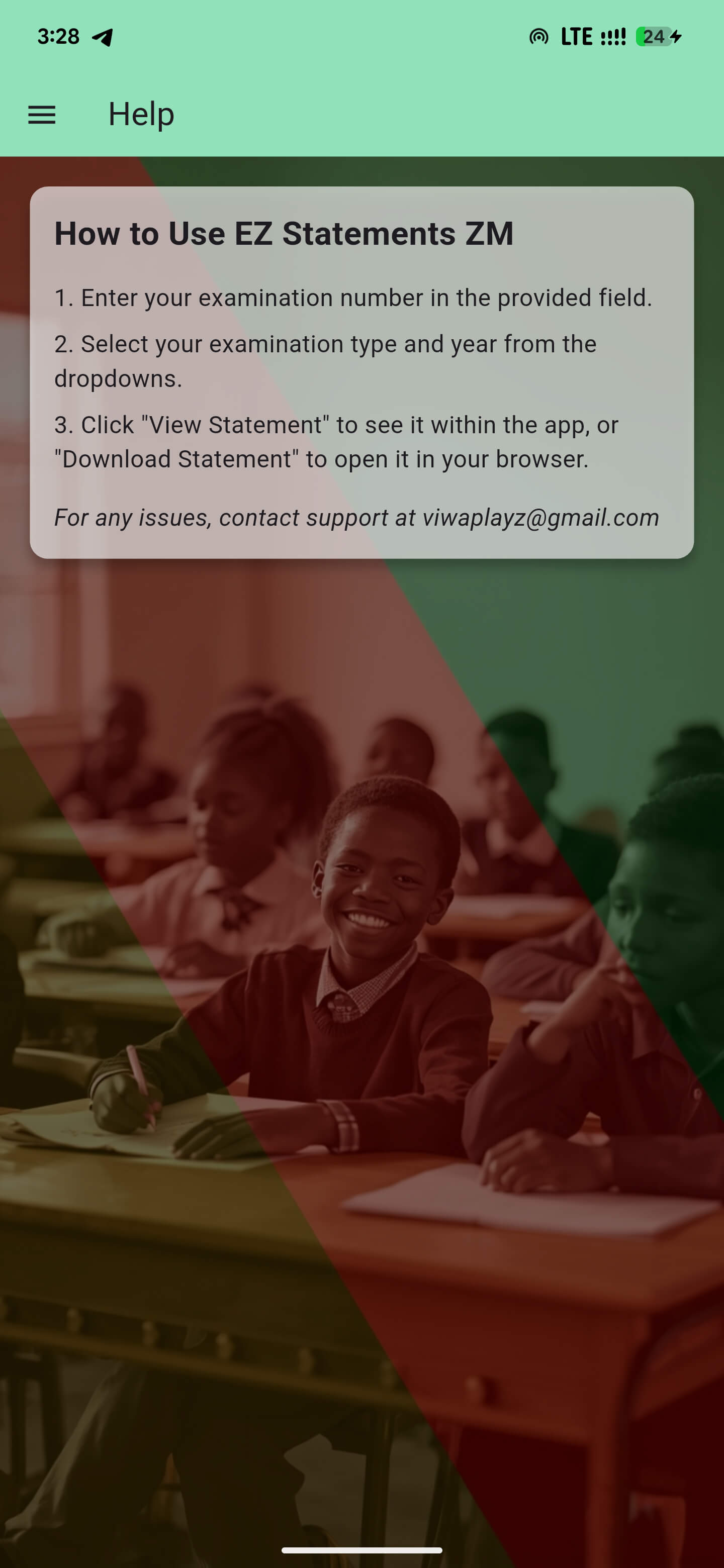
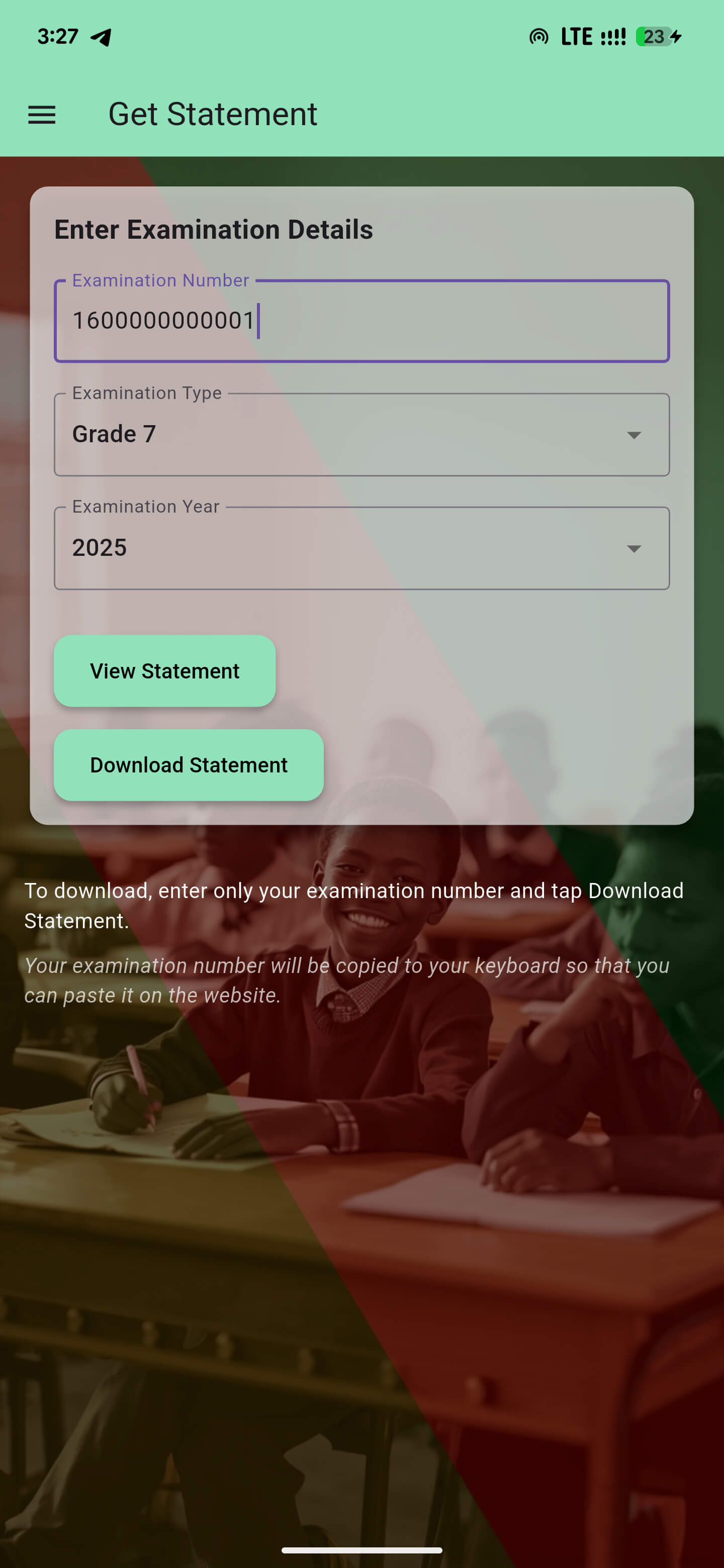
To View if Statement is available
- Enter your examination number.
- Select examination type(grade) and year.
- Then click the View Statement button.
To Download Statement
- Enter your examination number
- Then click Download Statement, clicking the button copies your examination number to your clipboard.
- Once on the website paste your examination number.
- Then select Examination type(grade) as well as the examination year.
- Then click the Search button.
EZ Statements ZM App Screenshots
Disclaimer
EZ Statements ZM is not affiliated with the Examination Council of Zambia (ECZ) or the Government of Zambia
Contact
Email: viwaplayz@gmail.com